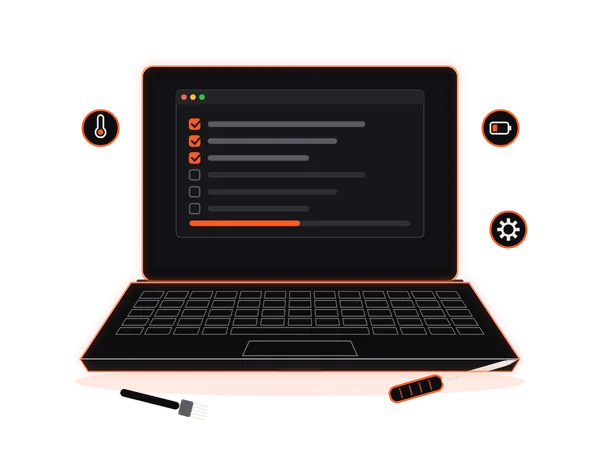
Laptop acting up?

Doorstep Laptop Repair in Hyderabad, with you present.

We supply and fit replacement screens, batteries and other faulty laptop parts as part of our repair service. A technician assesses your HP, Dell, Lenovo, Asus, Acer or Apple MacBook laptop in person and shares a written quote. Parts and repair options depend on your model and the assessment. Onsite or workshop work starts only after your approval.

The ₹149 laptop doorstep visit fee is waived when you approve repair with Laptop Repair World. Repair charges are quoted separately.

  • Quote before any chargeable work
  • 30-day parts & labour warranty
  • In-person service with you present

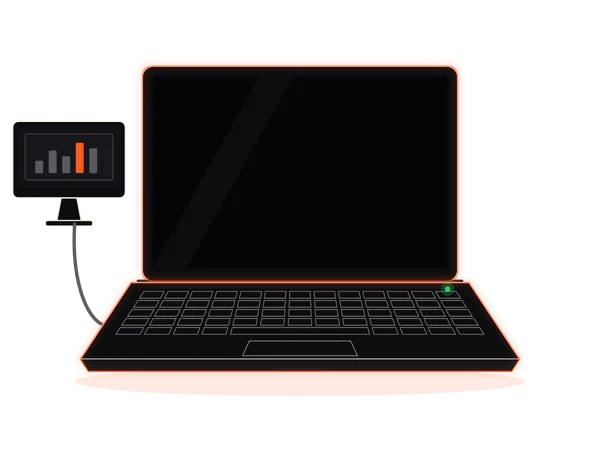
Illustrative health-check example

What a technician checks

Example only. This website does not scan your device. The statuses below are illustrative, not findings about your laptop.

  • Power & charging OK
  • Battery health WORN
  • Display OK
  • Storage speed SLOW
  • Cooling & fan DUSTY
  • Keyboard & touchpad OK

Actual findings and a written quote follow an in-person assessment.

  • Since 2007Laptop repair in Hyderabad
  • Written quote firstBefore any chargeable work
  • 30-day warrantyParts & labour, same fault
  • Doorstep or walk-inHome, office or our workshop

Laptop problems we fix

21 Common Laptop Problems We Repair in Hyderabad

From a laptop that won't turn on to chai spilled on the keyboard, these are the problems Hyderabad brings to our laptop service center most often.

01 / 21 · Power & Charging

Laptop Not Turning On? Motherboard & Chip-Level Repair

You press the power button and nothing happens. No lights, no fan, no sound.

Common signs

  • Completely dead: no lights, fan or sound
  • Turns on for a second, then switches off
  • Works only while the charger is plugged in

How we fix it

We test the adapter, battery and power circuit first, then trace board-level faults with chip-level motherboard repair, so a dead laptop doesn't automatically mean a new motherboard. You get the repair options and a written quote before any chargeable work.

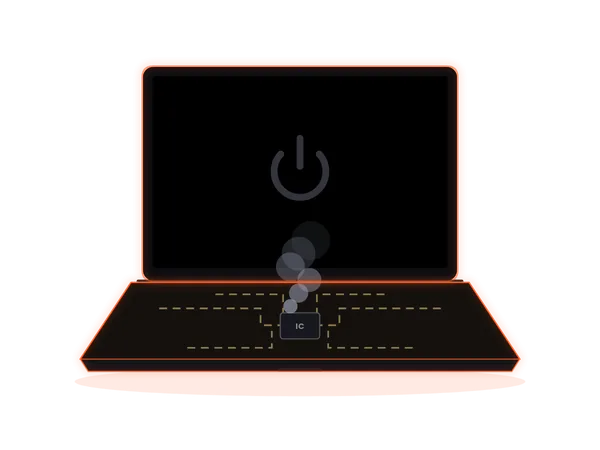
Laptop not turning on: a dark screen with a dim power icon

02 / 21 · Power & Charging

Laptop Battery Draining Fast? Battery Replacement

A full charge that barely lasts a meeting, or a battery stuck at 1%.

Common signs

  • Backup drops to an hour or less
  • Battery percentage jumps or gets stuck
  • Base or touchpad lifting up

How we fix it

We check battery health, charge cycles and the charging circuit, then explain the battery replacement options available for your laptop model.

Right now: A swollen battery can push up the base or touchpad. Stop using the laptop, keep it unplugged and get it checked.

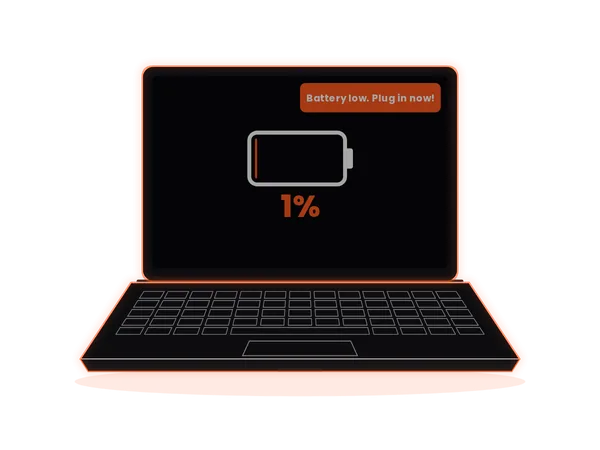
Laptop battery draining fast, with a low-battery warning at 1%

03 / 21 · Power & Charging

Laptop Not Charging? Charging Port & Adapter Repair

It charges only when the cable is held at the perfect angle.

Common signs

  • “Plugged in, not charging” message
  • Loose, wobbly charging pin or USB-C port
  • Charger light flickers on and off

How we fix it

We test the charger and adapter, then inspect the DC jack or USB-C charging port and the charging circuit around it, and quote the repair.

Right now: Heat or a burning smell near the port? Unplug the charger and stop using it until it's checked.

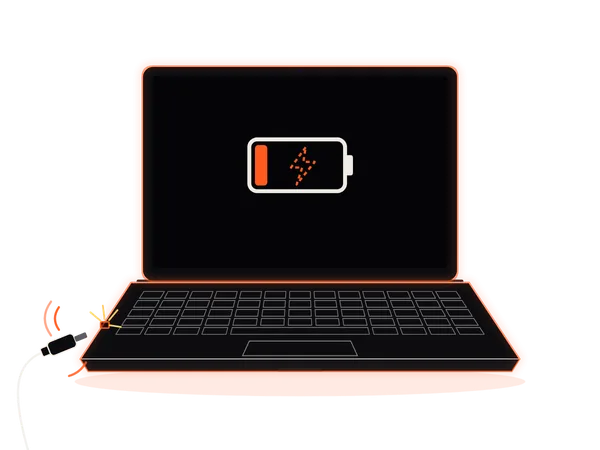
Laptop not charging: a loose charger plug sparking at the charging port

04 / 21 · Boot & Performance

Laptop Stuck on Loading Screen or Boot Loop?

Spinning dots, restart, repeat. It never reaches the desktop.

Common signs

  • Stuck on the logo or loading screen
  • “Automatic Repair” or restart loop
  • Blue screen errors while starting

How we fix it

We diagnose storage, BIOS and operating-system faults, recover access where possible, and repair or reinstall the operating system if needed.

Right now: If it still starts now and then, back up your important files first.

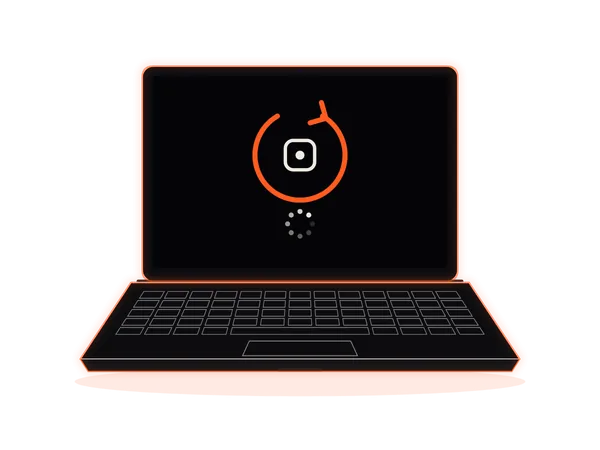
Laptop stuck on the loading screen in a restart loop

05 / 21 · Boot & Performance

Laptop Hanging or Freezing? Slow Laptop Repair

You click, you wait, you make chai, and it's still loading.

Common signs

  • Apps freeze with “Not responding”
  • Disk usage stuck at 100%
  • Lags on video calls and browsing

How we fix it

We check the storage drive, memory, temperatures and background software to find what's slowing your laptop down, then recommend the right fix or upgrade.

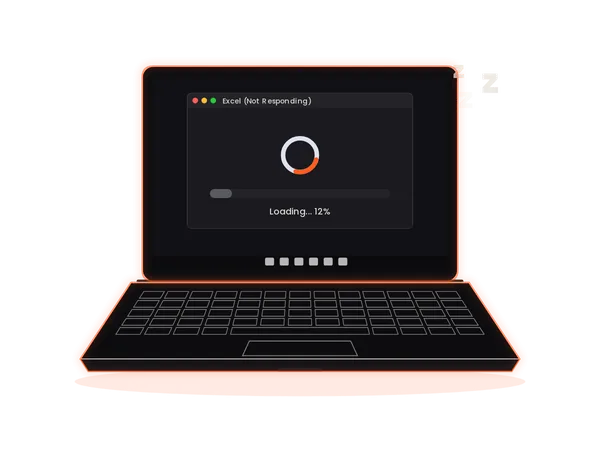
Hanging laptop with an app frozen on a loading spinner

06 / 21 · Boot & Performance

Laptop SSD Upgrade for Faster Startup

Still waiting minutes for your laptop to start?

Common signs

  • Slow startup and shutdown
  • Apps and files take ages to open
  • An older hard disk (HDD) inside

How we fix it

We confirm which SSD your model supports, install it, and can move your operating system and files across to the new drive.

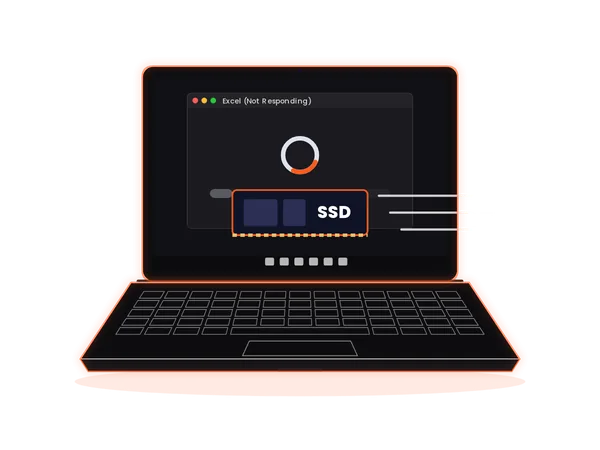
Laptop SSD upgrade: a new SSD going in for faster startup

07 / 21 · Boot & Performance

Laptop RAM Upgrade for Smooth Multitasking

Chrome, Zoom and Excel open together, and everything freezes.

Common signs

  • Memory usage close to 100%
  • Browser tabs keep reloading
  • Lag when switching between apps

How we fix it

We check how much memory your laptop supports and which RAM modules are compatible, then quote the upgrade.

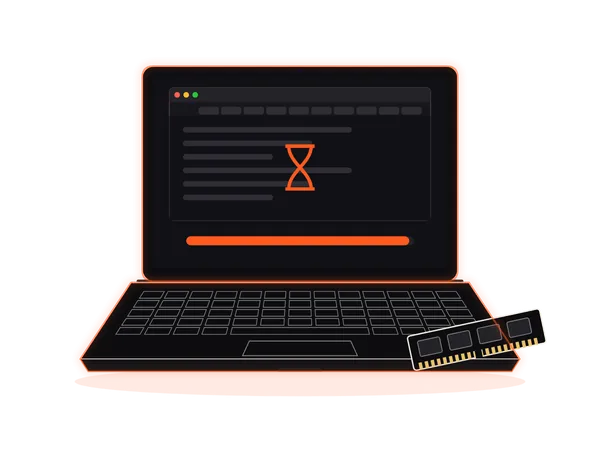
Laptop RAM upgrade: memory almost full with many browser tabs open

08 / 21 · Boot & Performance

Laptop Heating Problem? Overheating & Shutdown Repair

Too hot for your lap, and it shuts down in the middle of work.

Common signs

  • Shuts down or restarts under load
  • Base gets hot near the vents
  • Slows down as it warms up

How we fix it

We clean the fan and air vents, check the thermal paste and cooling system, and test temperatures after the service.

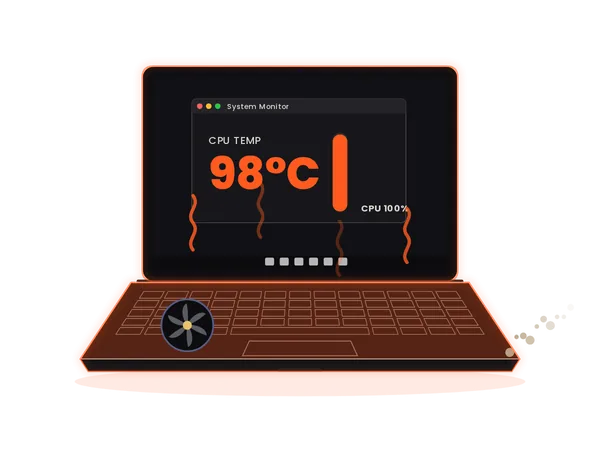
Laptop heating problem with the CPU temperature at 98°C

09 / 21 · Boot & Performance

Laptop Fan Making Noise? Fan Cleaning & Replacement

It sounds like a jet engine every time you open a browser.

Common signs

  • Loud whirring, even when idle
  • Grinding or rattling sound
  • Fan runs but air from the vents feels weak

How we fix it

We check the fan bearing and airflow, clean out the dust, and replace the cooling fan if it's worn.

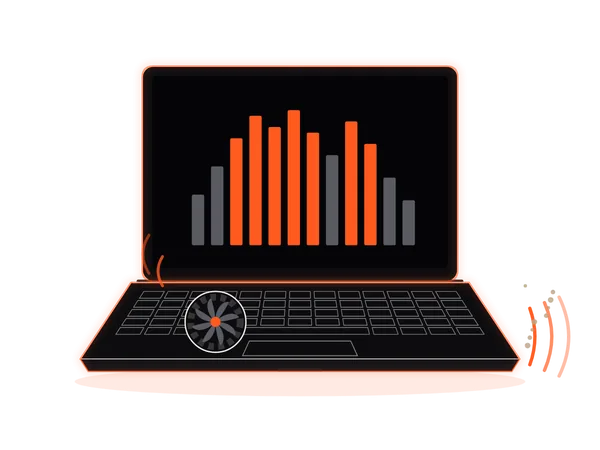
Noisy laptop cooling fan with dust around it

10 / 21 · Boot & Performance

Laptop Virus & Pop-up Removal

Close one pop-up and two more appear.

Common signs

  • Pop-up ads and unknown programs
  • Browser redirects to strange sites
  • Security warnings and a sudden slowdown

How we fix it

We scan and clean the system, remove unwanted software and browser extensions, and can back up your data and reinstall the operating system if needed.

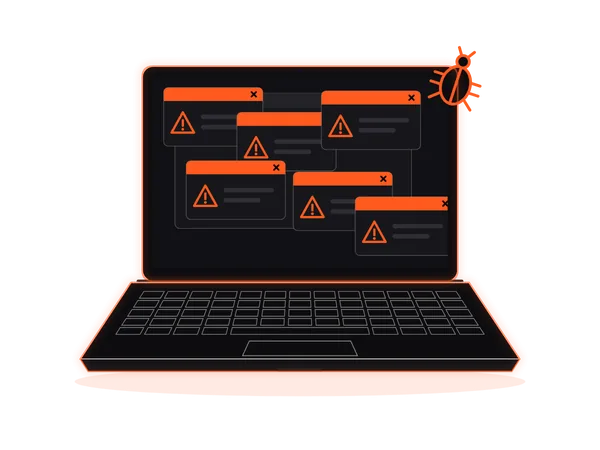
Laptop virus: several pop-up warnings covering the screen

11 / 21 · Boot & Performance

Laptop Wi-Fi Not Working?

Every device in the house connects, except your laptop.

Common signs

  • “No networks found” or Wi-Fi option missing
  • Connection keeps dropping on calls
  • Weak signal right next to the router

How we fix it

We check drivers and settings, then test the antennas and Wi-Fi card, and repair or replace the faulty part.

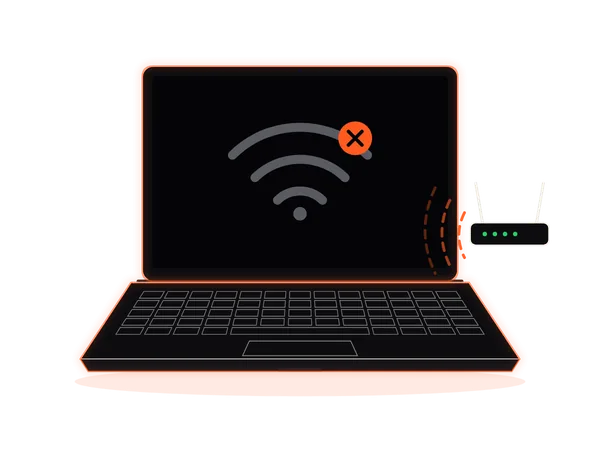
Laptop Wi-Fi not working: no connection to the router

12 / 21 · Screen, Input & Body

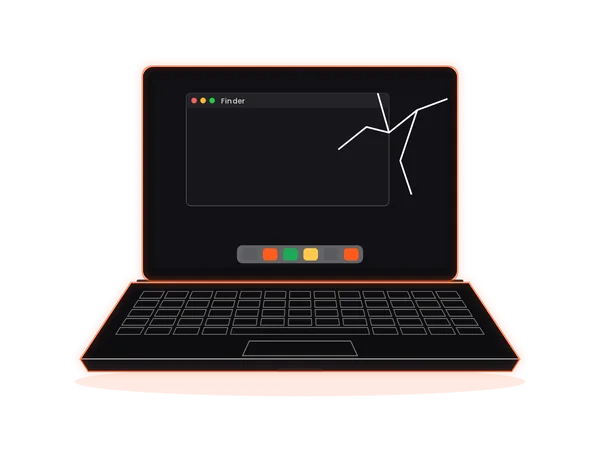
Laptop Screen Flickering or Broken? Screen Replacement

Lines, flicker or a cracked screen staring back at you.

Common signs

  • Cracks, black spots or ink-like patches
  • Vertical or horizontal lines
  • Flickers when you move the lid

How we fix it

We check the display panel and display cable, then share the screen repair or screen replacement options for your laptop model.

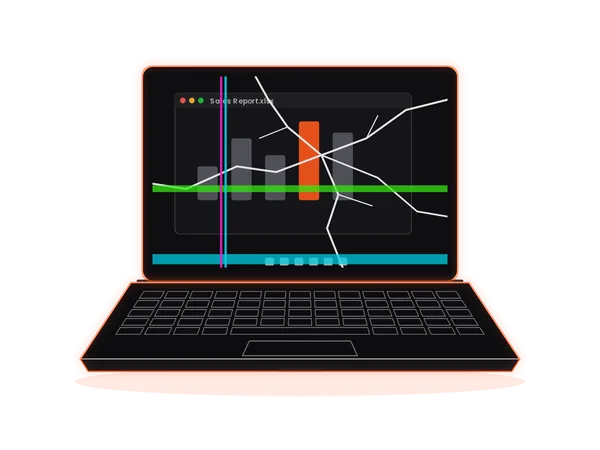
Broken laptop screen with cracks and coloured lines

13 / 21 · Screen, Input & Body

Laptop No Display or Black Screen?

The fan spins and the lights are on, but the screen stays black.

Common signs

  • Power light on, screen completely dark
  • Picture shows on an external monitor
  • A faint image visible under a torch

How we fix it

We test the display panel, cable, backlight and graphics circuit to find exactly why there's no display.

Laptop with a black screen while an external monitor still works

14 / 21 · Screen, Input & Body

Laptop Keyboard Not Working? Keyboard Repair & Replacement

Pressing one key ten times to type a single letter.

Common signs

  • Some keys dead, sticky or typing twice
  • Dust and crumbs under the keys
  • Whole keyboard stopped responding

How we fix it

We deep-clean the dust and debris that often cause dead keys, test every key, and quote a keyboard replacement if one is needed.

Laptop keyboard with dead keys marked in orange

15 / 21 · Screen, Input & Body

Laptop Touchpad Not Working? Cursor Not Moving?

The cursor jumps, freezes or clicks on its own.

Common signs

  • No response to touch or taps
  • Cursor jumps around the screen
  • Touchpad buttons stuck or not clicking

How we fix it

We check touchpad settings and drivers, then the touchpad and its cable, and repair or replace it.

Laptop touchpad not working, with the cursor jumping across the screen

16 / 21 · Screen, Input & Body

Laptop Hinge Broken? Hinge & Body Repair

It creaks every time you open it, and the screen won't stay up.

Common signs

  • Creaking or cracking when opening the lid
  • Screen wobbles or won't stay upright
  • Body or bezel splitting near the hinge

How we fix it

We repair or replace broken hinges and hinge mounts, fix the cracked body around them, and check the display cable at the same time.

Laptop with a broken hinge and a wobbly screen

17 / 21 · Screen, Input & Body

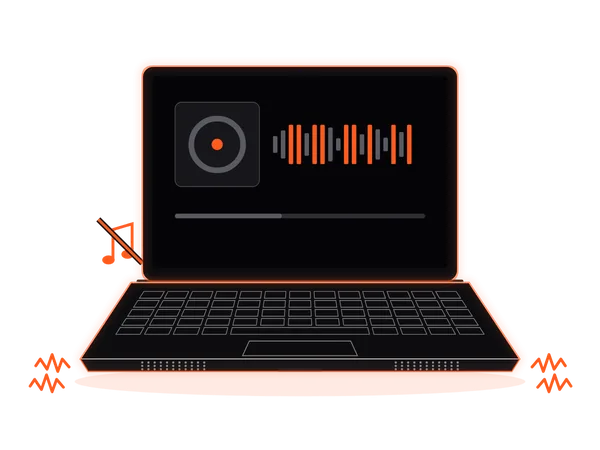
Laptop Sound Not Working? Speaker Repair

Crackles, buzzing or total silence on your calls.

Common signs

  • Crackling or distorted sound
  • One speaker silent
  • No sound at all from the speakers

How we fix it

We check audio settings and drivers, then test the speakers and audio circuit, and repair or replace what's faulty.

Laptop speakers crackling with the sound muted

18 / 21 · Specialist & Damage

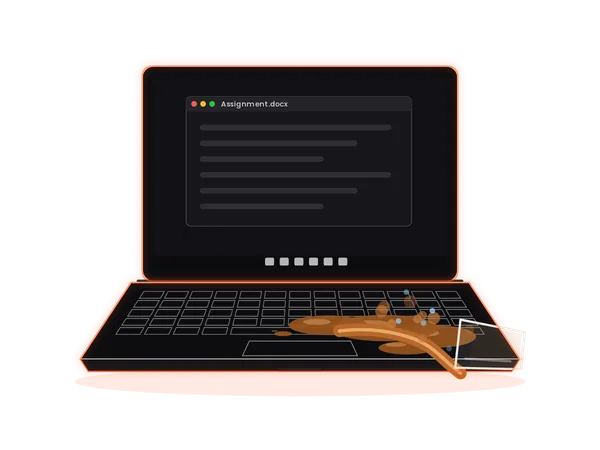
Water Spilled on Laptop? Liquid Damage Repair

Chai, coffee or water on the keyboard? Switch it off first.

Common signs

  • Sticky or dead keys after a spill
  • Screen flicker or random shutdowns
  • Won't turn on after the spill

How we fix it

We open the laptop, clean and dry the motherboard, check for corrosion, and assess the damage before quoting any repair.

Right now: Switch it off and unplug the charger. Don't try to turn it on or charge it until it's been checked.

Chai spilled across a laptop keyboard

19 / 21 · Specialist & Damage

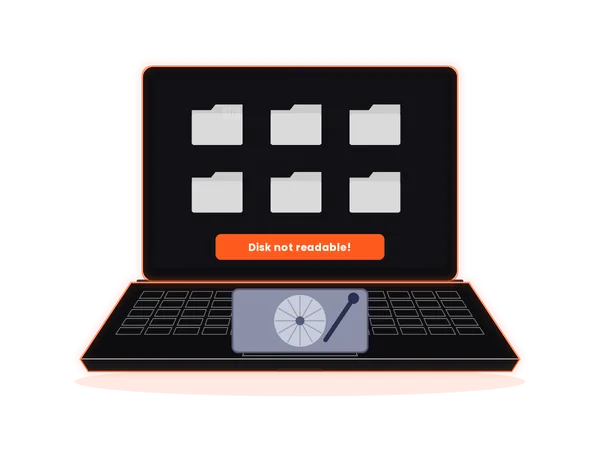
Hard Disk Data Recovery in Hyderabad

Photos, projects, years of files, and the drive won't open.

Common signs

  • Clicking or beeping hard disk
  • Drive not detected
  • Deleted, formatted or corrupted files

How we fix it

We assess the hard disk or SSD and explain the data recovery options before any work begins.

Right now: Stop using the drive to avoid overwriting the files you want back.

Hard disk data recovery: a drive showing a 'Disk not readable' error

20 / 21 · Specialist & Damage

MacBook Repair: Screen, Battery, Keyboard & Logic Board

MacBook acting up? Get a clear quote before we start.

Common signs

  • Battery “Service Recommended” warning
  • Display, backlight or flexgate issues
  • No power, liquid damage or logic-board faults

How we fix it

We repair MacBook Air and MacBook Pro models, both Intel and Apple silicon, from batteries and screens to logic-board faults. We're an independent service, not affiliated with Apple.

MacBook with a cracked screen waiting for repair

21 / 21 · Specialist & Damage

Laptop General Service & Deep Cleaning

Slow, hot and short on battery, all at once? Start with a full check-up.

Common signs

  • Several small problems at the same time
  • Not cleaned inside in over a year
  • You want a health check before it fails

How we fix it

A full check-up: internal dust cleaning, a thermal check, battery and storage health checks, and a clear list of what needs attention.

Laptop general service checklist with a cleaning brush and screwdriver

Not sure what's wrong?

Describe it on WhatsApp. A photo or short video of the problem helps us understand it.

How it works

How Our Doorstep Laptop Repair Works

Request an in-person laptop visit at your home or office. We confirm availability first, assess the laptop physically with you present, and explain if the repair can be completed onsite or needs workshop handling.

  1. 01

    Request a visit

    Tell us the laptop brand, model, problem and your area on WhatsApp, by phone or with the form below.

  2. 02

    We confirm availability

    We confirm the visit timing and whether the problem is likely suitable for onsite assessment.

  3. 03

    Review your quote

    The technician checks the laptop with you present and shares a written quote before chargeable work.

  4. 04

    You decide

    Suitable onsite repairs start only after approval; workshop work is explained separately when needed.

Repair time depends on the problem and the parts needed, and we confirm it after assessing your laptop.

Our promise

30-day warranty. Written quote first.

  • Since 2007Laptop repair in Hyderabad
  • Written quote firstBefore any chargeable work
  • 30-day warrantyParts & labour, same fault
  • Doorstep or walk-inHome, office or our workshop

Every repair carries a 30-day parts and labour warranty: if the same fault returns within 30 days, we repair it at no extra cost. New or unrelated faults and damage after the repair, such as drops or spills, are not covered. See our repair warranty page for details.

Laptop Repair World is an independent multi-brand repair service and is not affiliated with, or authorised by, HP, Dell, Lenovo, Asus, Acer or Apple. Brand names are used only to identify the laptops we repair.

Brands we repair

Laptop Repair for HP, Dell, Lenovo, Asus, Acer & MacBook

Everyday office laptops, thin-and-light ultrabooks, gaming laptops and MacBooks: we repair all major laptop brands and models in Hyderabad.

We also repair Samsung, Microsoft Surface, MSI, LG, Razer, Honor, Xiaomi, Sony VAIO and Dynabook laptops.

Laptop Repair World is an independent multi-brand repair service and is not affiliated with, or authorised by, HP, Dell, Lenovo, Asus, Acer or Apple. Brand names are used only to identify the laptops we repair.

Service areas

Doorstep Laptop Repair Across Hyderabad & Secunderabad

Looking for a laptop service center near you? Our technicians visit homes and offices across Hyderabad and Secunderabad, from HITEC City and Gachibowli to Kukatpally, Uppal and LB Nagar. Don't see your area? Ask us on WhatsApp.

Walk-in workshop

Visit Our Laptop Service Center in Secunderabad

Prefer to bring your laptop in? Our workshop is on MG Road, opposite Paradise in Secunderabad.

Address
Laptop Repair World
Flat 115, Tirupati Complex, Opp. Paradise, MG Road, Secunderabad, Telangana 500003
Opening hours
Monday to Saturday, 10:00 AM – 8:00 PM
Closed on Sunday
Phone & WhatsApp
77025 03336
Laptop Repair WorldOpen in Google Maps

At a glance

Laptop Repair World at a glance

Laptop Repair World is an independent laptop repair service based at MG Road, Secunderabad, repairing laptops in Hyderabad since 2007. A technician visits your home or office, assesses the laptop with you present and shares a written quote before any chargeable work. The ₹149 doorstep visit fee is waived when you approve laptop repair with us, and repairs carry a 30-day parts and labour warranty.

Service
Doorstep laptop repair across Hyderabad and Secunderabad, plus walk-in repairs at our store
Store
Flat 115, Tirupati Complex, Opp. Paradise, MG Road, Secunderabad, Telangana 500003
Hours
Monday to Saturday, 10:00 AM to 8:00 PM · Closed on Sunday
Phone & WhatsApp
+91 77025 03336
Visit fee
₹149 doorstep visit fee · waived when you approve laptop repair with us · repair charges quoted separately
Warranty
30 days on parts and labour for the same fault
Experience
Since 2007 · 1 Lakh+ laptops repaired · founded by K. Bhikshapathi
Brands
HP, Dell, Lenovo, Asus, Acer and Apple MacBook, plus Samsung, Microsoft Surface, MSI and other brands
Areas covered
100+ areas across Hyderabad, including Banjara Hills, Jubilee Hills, Begumpet, Ameerpet, HITEC City, Gachibowli, Kondapur, Kukatpally and Secunderabad
Independent
Not affiliated with, or authorised by, HP, Dell, Lenovo, Asus, Acer or Apple

FAQ

Laptop Repair Questions, Answered

Do you sell screens and batteries separately?

We supply and fit screens, batteries and other replacement parts as part of a laptop repair. We do not offer standalone parts sales. Ask about the proposed part, compatibility, availability, parts and labour charges, and warranty terms before approving your written quote.

How does doorstep laptop repair work in Hyderabad?

Share your laptop brand, model, the problem and your locality on WhatsApp, by phone or through the form. Phone and WhatsApp are used to arrange the visit. We confirm availability and timing before booking; the technician assesses the laptop in person.

Will the technician work with me present?

Yes. During a doorstep visit, the technician assesses the laptop physically with you present. Suitable onsite repairs are done there after you approve the written quote; if workshop tools or parts are needed, that work is explained and approved separately.

Is the ₹149 doorstep visit fee waived if I approve repair?

Yes. The ₹149 laptop doorstep visit fee is waived when you approve laptop repair with Laptop Repair World. Repair charges are quoted separately before chargeable work starts.

How much does laptop repair cost?

It depends on the laptop, the fault and the parts needed. We explain the repair options and share a written quote before any chargeable work, and work starts only after you approve it.

Which laptop brands do you repair?

We repair HP, Dell, Lenovo, Asus, Acer and Apple MacBook laptops, along with Samsung, Microsoft Surface, MSI and other brands. Repair scope and part availability are confirmed after assessment.

Are you an authorised service centre for these brands?

No. Laptop Repair World is an independent laptop repair service and is not affiliated with HP, Dell, Apple, Acer, Lenovo or Asus.

Is there a warranty on laptop repairs?

Every repair carries a 30-day parts and labour warranty: if the same fault returns within 30 days, we repair it at no extra cost. New or unrelated faults and damage after the repair, such as drops or spills, are not covered. See our repair warranty page for details.

What should I do if I spill water or chai on my laptop?

Switch it off, unplug the charger and don't try to turn it on or charge it. Then contact us so the laptop can be opened, cleaned and assessed.

Is my data safe during a laptop repair?

Please back up your data before any repair that involves the storage drive, where possible. If your drive isn't accessible, ask us about data recovery before any other work is done.

Where is your laptop service center in Hyderabad?

Flat 115, Tirupati Complex, opposite Paradise, MG Road, Secunderabad, Telangana 500003. Open Monday to Saturday, 10:00 AM to 8:00 PM; closed on Sunday.

Book a repair

Request a Doorstep Laptop Repair Visit

Share a few details and we'll confirm visit availability on WhatsApp or phone. Prefer to talk? Call 77025 03336.

  1. 01We review your detailsYour laptop brand, model and the problem you're seeing.
  2. 02We confirm visit availabilityThe doorstep timing and whether onsite assessment is suitable.
  3. 03You approve the quoteA written quote first. Work starts only after you say yes.

Request Doorstep Repair

₹149 doorstep visit fee · waived when you approve laptop repair with us

Need a laptop checked at home or office?

Send us your laptop's brand, model, problem and area. We'll confirm doorstep visit availability, assess it in person, and quote before any chargeable work.

CallWhatsApp